Sign Up for Your On-Campus Housing and Get a Suite Deal
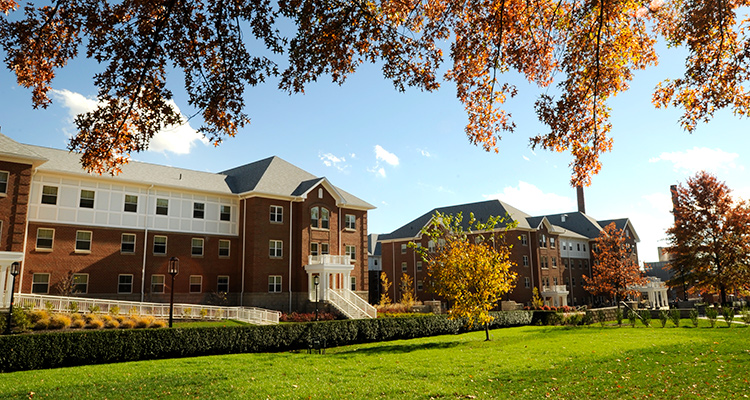
Live in the suites and enjoy the many advantages—especially the scholarship you’ll receive* that grows the longer you live on campus… suite deal!
Details about the Scholarship
- First year on campus: $500/semester
- Second year on campus: $750/semester
- Third and Fourth years living on campus: $1,000/semester
Continuing students need to sign up by November 30, 2026, to receive the scholarship.
New students need to sign up by May 1, 2027, to receive the scholarship.
Join the community of students living in the heart of campus. It’s a smart choice—and now an even better value.
The scholarship is based on the number of years you live on campus, not the number of years you attended IUP.
*Available to degree-seeking students living in the suite-style residence halls, Indiana campus only.
Living on campus for two consecutive semesters (fall and spring or spring and fall) validates one year of living on campus. Winter and summer terms do not contribute to the year of living on campus.
Six Steps To Sign Up For Housing (new students, follow instructions from Admissions)
- Log in to MyIUP
- Go to Discover and search “housing”
- On the Housing and Dining card, click on Housing and Dining Portal (StarRez)
- Select Sign up for Housing and Dining
- Select Academic year 2027–28
- Complete the Housing License Agreement by selecting your suite, building, roommate(s), and meal plan
Your door to campus life is opening.
Use our easy, flexible system to pick your new home and find a roommate who’s a great match.
You’ll want to move fast! That’s how you get the most options to pick from for roommates and room styles. Don’t wait, especially if you want your own room or a specific roommate.
Flexible Sign-ups—Save and Come Back, Change Your Mind
We make it easy and flexible to find your IUP campus home. You can start the process, save your choices, and come back later to finish it or just look at more options.
You can even make changes after you’ve confirmed and finalized your agreement. You cannot cancel your agreement once you’ve submitted it, but you can make changes in your room, building, and roommate selection. Your ability to choose and change your mind on these aspects of your housing for the fall-spring academic year remains open until about mid-summer.
To make a room change or view vacancies after you’ve already secured housing, you’ll want to follow steps 1–4 in the gray box above, then go to the end of the sign-up process, the Housing Summary page. At the bottom of that page, you’ll find the section that says “Do you want to change rooms?” Select yes, then continue. Your current room reservation will not be changed until you add a new room to your cart and complete the sign-up process again.
For summer housing and dining see How to Sign up For Summer Housing and Dining.
The tips below match the sections of the housing sign-up system. Check them to get behind-the-scenes information that makes signing up even easier.
