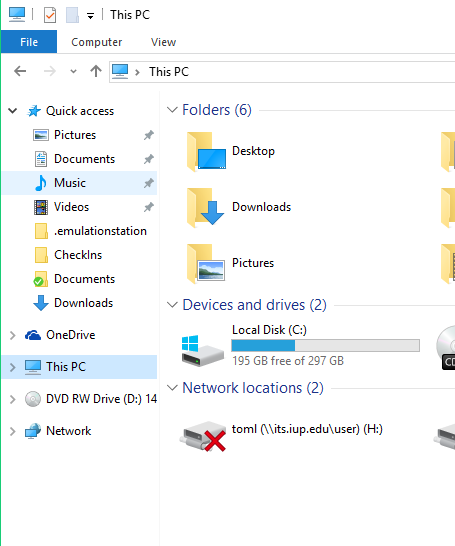
Students, staff, and faculty can access the network shares on IUP’s network by mapping the appropriate drive. However, most network drives are in the process of migrating to MS Teams and OneDrive storage.
As such, for the network drives that still exist, students, staff, and faculty have access on the IUP network. In order to access these shares, you must map the network share on your computer. This process is called drive mapping. When you map a drive, you assign the network share a letter. If you want to go to that network share, you simply click on the drive letter from your computer’s file system.
Be sure to get the network path from the list of options for the drive mapping that you wish to connect to. If you are following the instructions for mapping the network drive, you will need to know the network path.
The instructions below will guide you through the mapping process for your specific computer/operating system.
Note: Your username will need to be in the format iupmsd\username.
It is important to remember, when you are off campus, you must use VPN to connect to the IUP network before you try to map any IUP drive or access a drive you have already mapped.